One installer, everything included: the IDE, the 2D/3D runtimes, the JVL compiler and the collaboration client.
VisualJava-Setup.exe · v1.7
Requires 64-bit Windows 10/11 and a Java 21 runtime (bundled with the installer). macOS and Linux builds are not available yet.
VisualJava-Setup.exe and follow the wizard — no separate JDK install is required.Main.jvl and run again to see changes.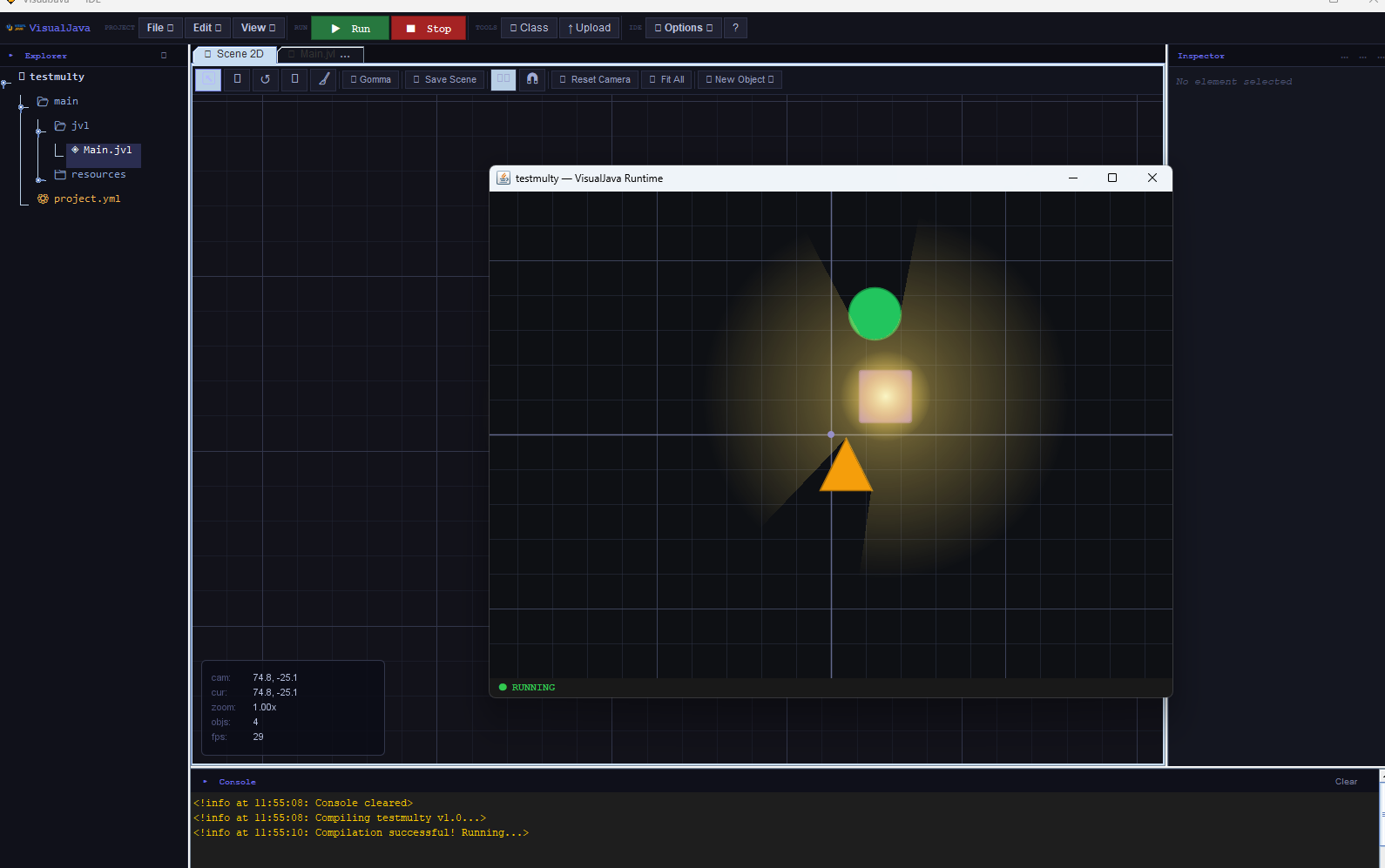
Visual Java's source is hosted on GitHub for distribution and issue tracking, but the project is closed-source software developed by jter.
1.7 ships a Windows installer. macOS and Linux support is on the roadmap but not available yet — follow Discord for updates.
Because the installer isn't code-signed by a major CA yet, some antivirus tools may flag it on first run. It only downloads from the official GitHub release above.
The Discord community can help with installer issues, drivers, and first-project questions.
 Visual