Visual Java is a full development environment where you build 2D and 3D games and apps with visual scene editors, a real code editor, and JVL — a simplified layer over Java syntax. No engine to fight, just Java made visible.
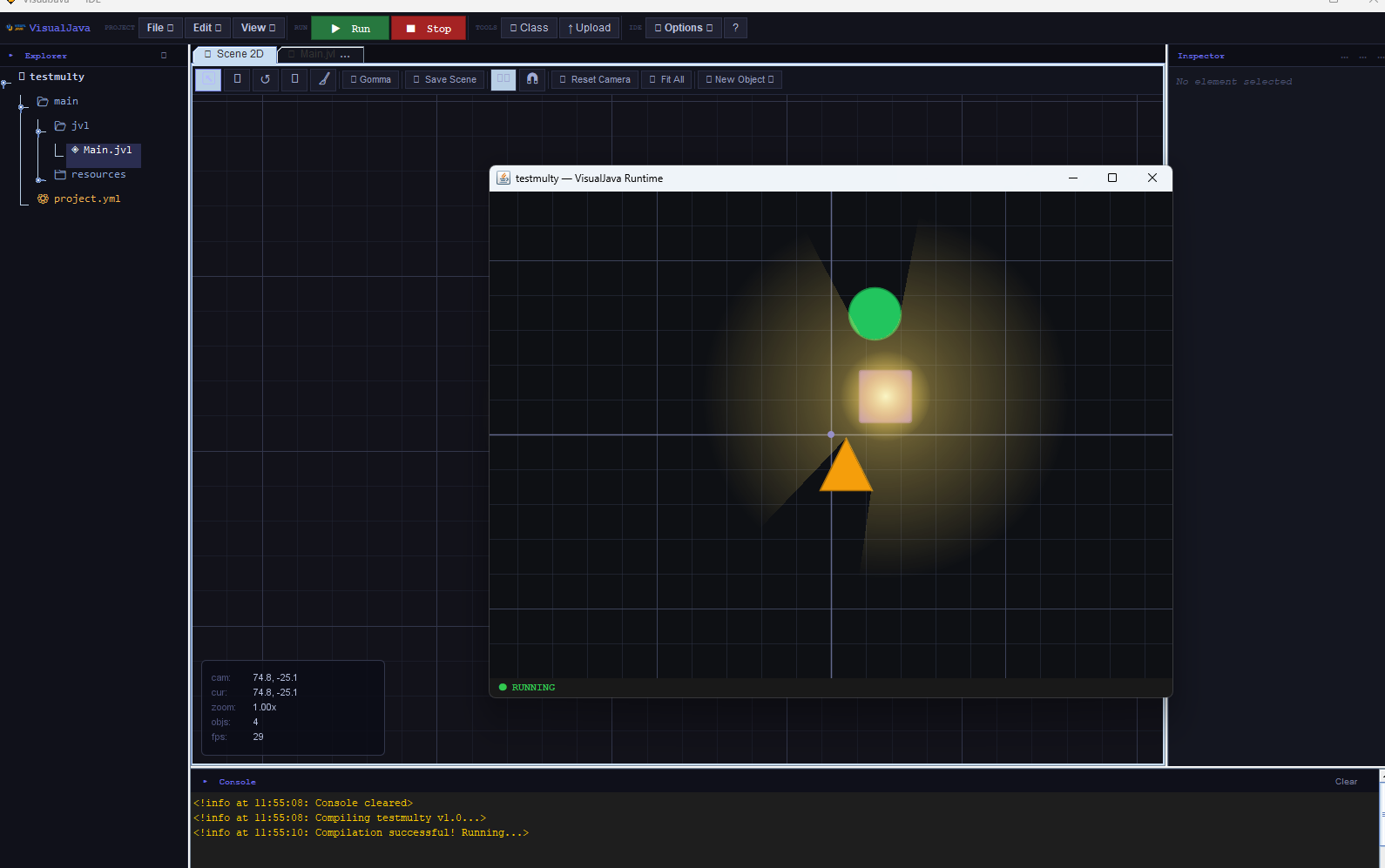
Visual Java bundles everything a small Java game or app needs into a single IDE: a project system, visual editors, a live runtime, and an API designed to read like plain English.
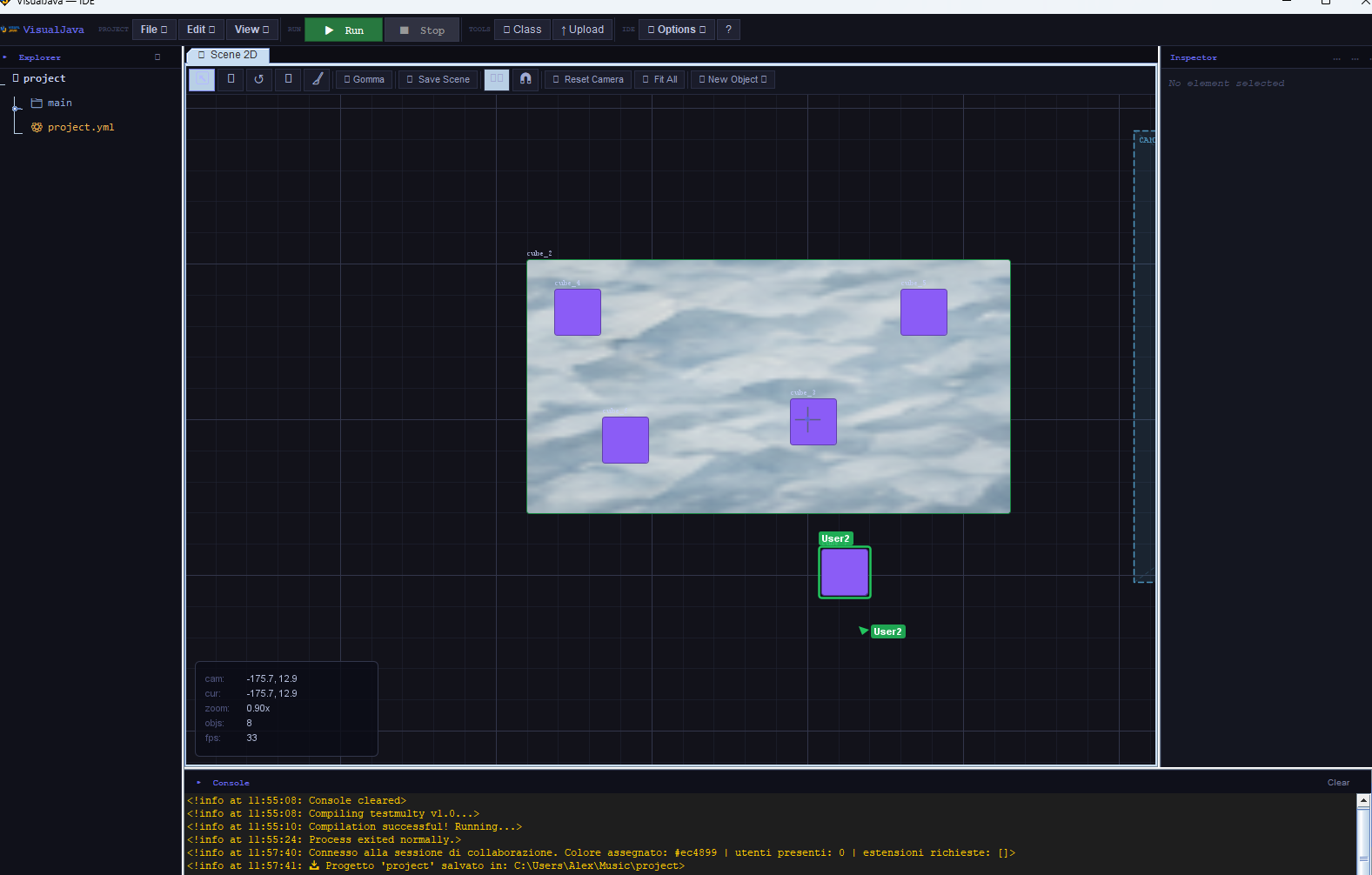
Place rectangles, circles, triangles and images on a canvas, wire up an Inspector for transform, color, glow and physics, then hit Run — no boilerplate window setup.
A JME-powered 3D workflow with a fly camera, transform gizmo, ambient and fog settings, and pixelation post-processing — new and steadily improving since 1.5.
Classes without boilerplate modifiers, event methods like @onUpdate, named parameters, and cross-class calls — compiled straight down to ordinary Java.
Syntax highlighting, bracket matching, auto-completion, contextual suggestions and a live console that shows compile and runtime output as it happens.
Open the same project with a teammate and see their cursor, camera and edits in the scene in real time, over a lightweight background session.
Pre-alpha in 1.7: author Paper, Spigot and Bukkit plugins for Minecraft 1.8–1.21.10 from inside Visual Java, with commands, events and tags.
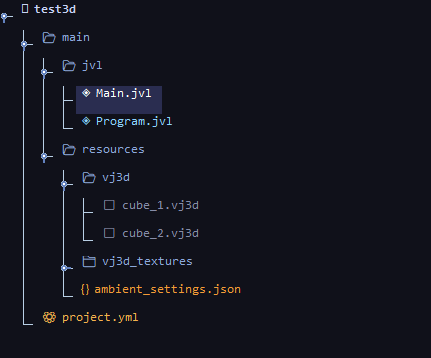
Every Visual Java project keeps its .jvl sources under main/jvl, its assets under resources, and its settings in a single project.yml. The Explorer, Inspector and Console panels stay docked around the editor so you never lose the thread between code and scene.
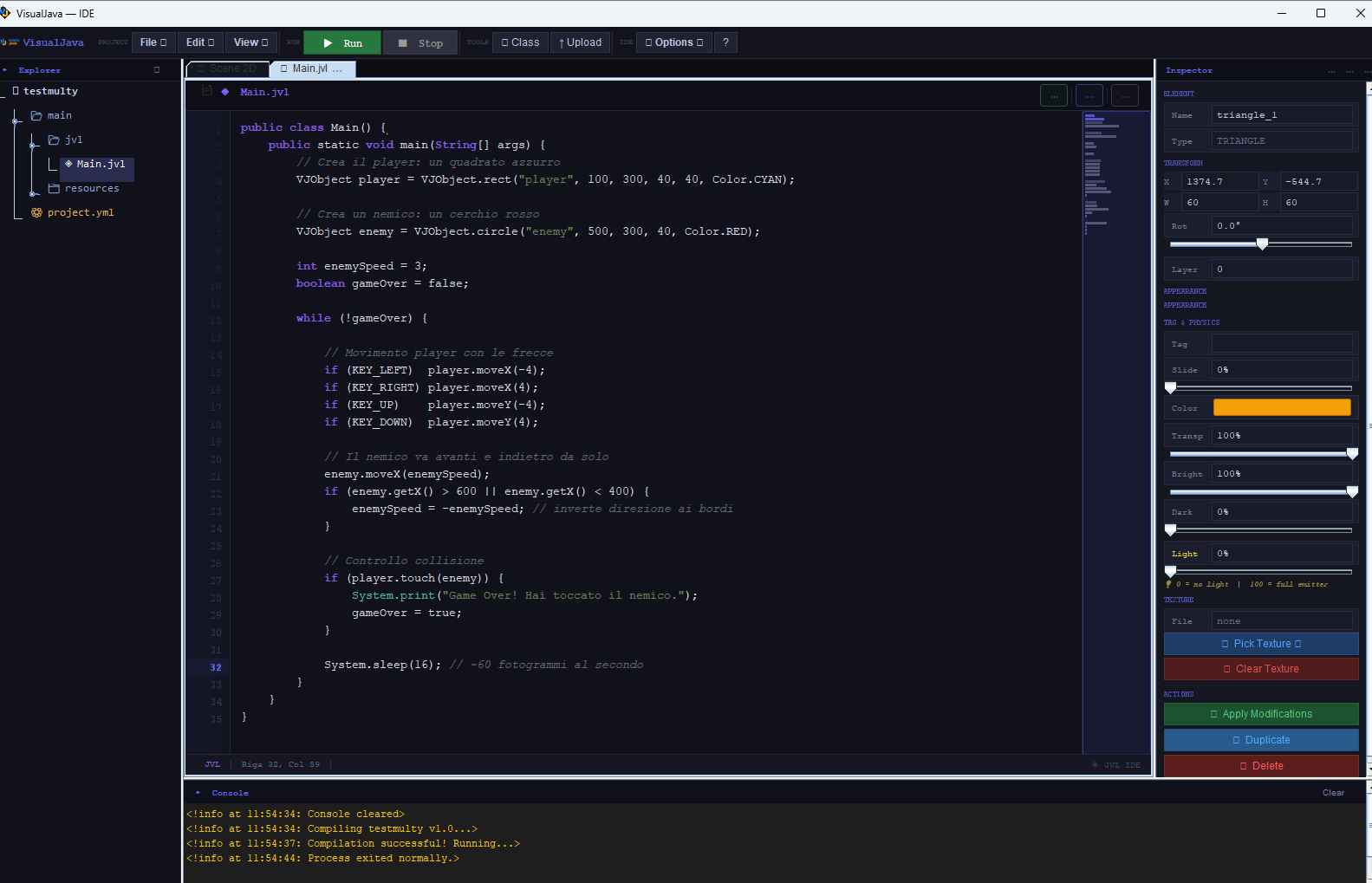
JVL trims the ceremony: no public class, no extends to memorize for an entry point, just class Main { void Main(String[] args) { ... } }. Mark a method @onUpdate and it runs every frame. Files that already look like plain Java keep working untouched.
Start a local collaboration session and every connected editor gets a coloured cursor in the same 2D or 3D scene. It's the fastest way to pair on level design or debug a scene together.
Visual Java is developed by jter (Java Technology Engineering Research). The name "Visual Java" states the goal plainly: bring Java game and app development to a visual level with visual editors today, and block-based programming planned for the future.
jter focuses on Java tooling research: compilers, runtimes and editors that make Java approachable for game development, without giving up the language itself.
Get help, share what you're building, and follow development on Discord and YouTube.
 Visual